existing newsbin release has somewhere an incorrect nzbgetweb configuration. certain options are not selectable when using configure. Need to update nzgetweb with exixting installation I use myself
Update expected Saturday
existing newsbin release has somewhere an incorrect nzbgetweb configuration. certain options are not selectable when using configure. Need to update nzgetweb with exixting installation I use myself
Update expected Saturday
Grappig,
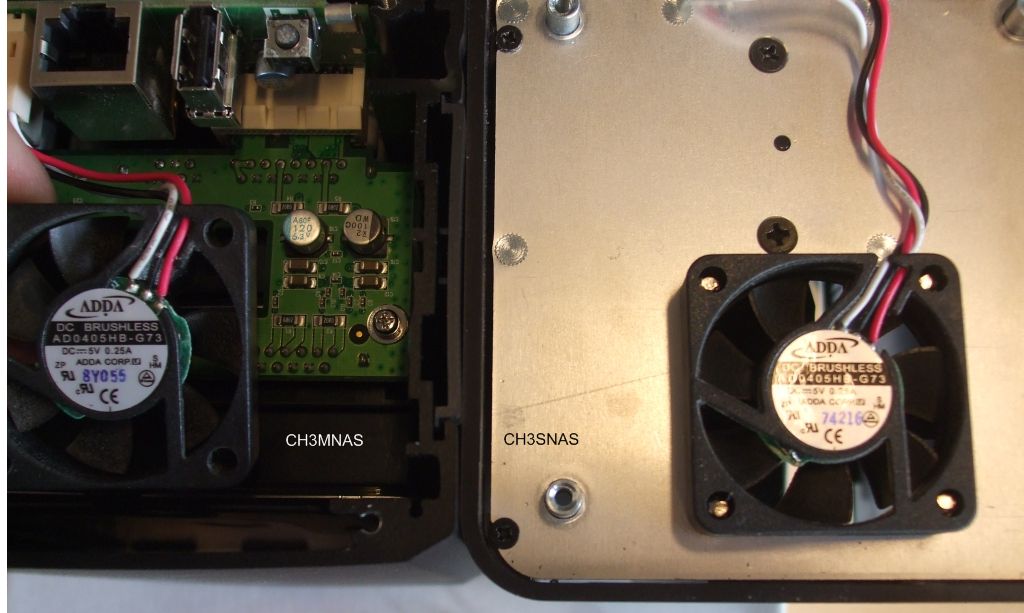
lees ik vandaag op een forum (tweakers) dat de fan van de CH3SNAS veel beter aanschreven wordt als de fan van de CH3MNAS ..
Gelukkig bezit ik natuurlijk de CH3MNAS en de Ch3SNAS .. en kan ik een fotootje maken. Zoek de verschillen zou ik zeggen.
Exact dezelfde type fans .. Dus als er een fan zou ‘janken’ lijkt het mij exemplarisch … Daarnaast gaat de fan ook uit als de temperatuur dat toelaat en/of de HDD’s in ruststand zijn.
today I am releasing usb-storage.ko, the driver to be able to mount a USB disk connected to the USB port of the Conceptronic CH3MNAS
copy the usb-storage.ko.zip to the disk for instance directly to Volume_1
unpak under telnet/ssh
user Bearxor had problems with using nzbget on his fun_plugged device. After some chatting in the comments he told that he is using the DNS-321 and not the CH3SNAS or DNS-323, these devices do have different toolchain and need to be compiled differently.
So for users with the Conceptronic CH3MNAS or D-LINK DNS-321 who want to have a 5 to 10 minutes installation of nzbget: download it here and get the ch3mnas-nzbget.tgz file for the installation instructions:
get the instructions here
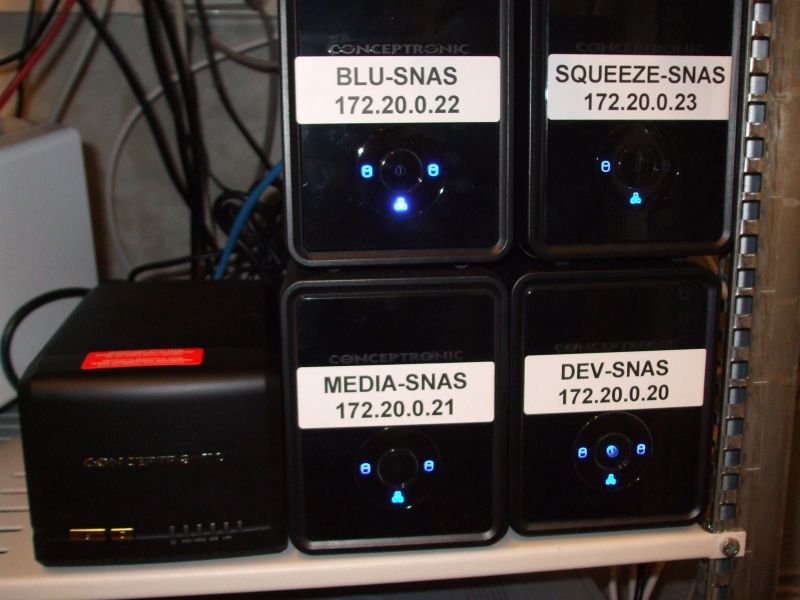
A nerdy image of 4 CH3SNASses and on the left the little new brother CH3MNAS.
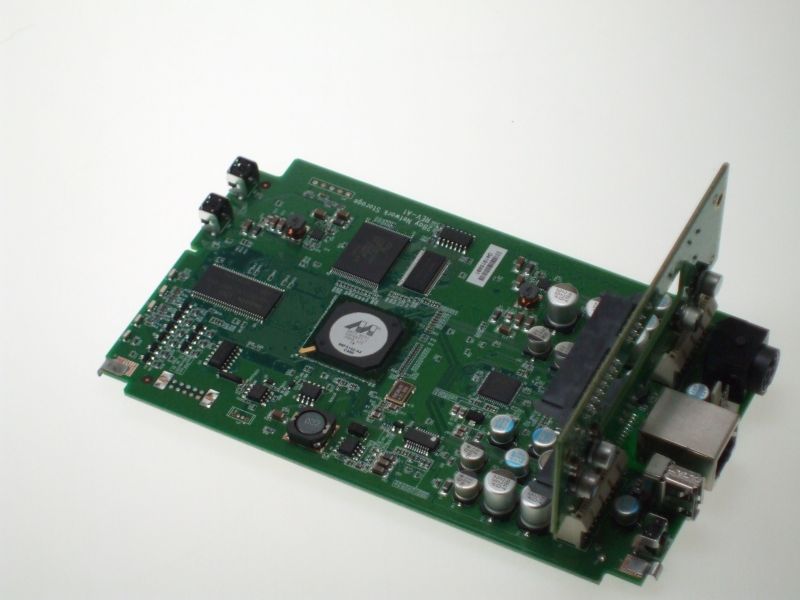
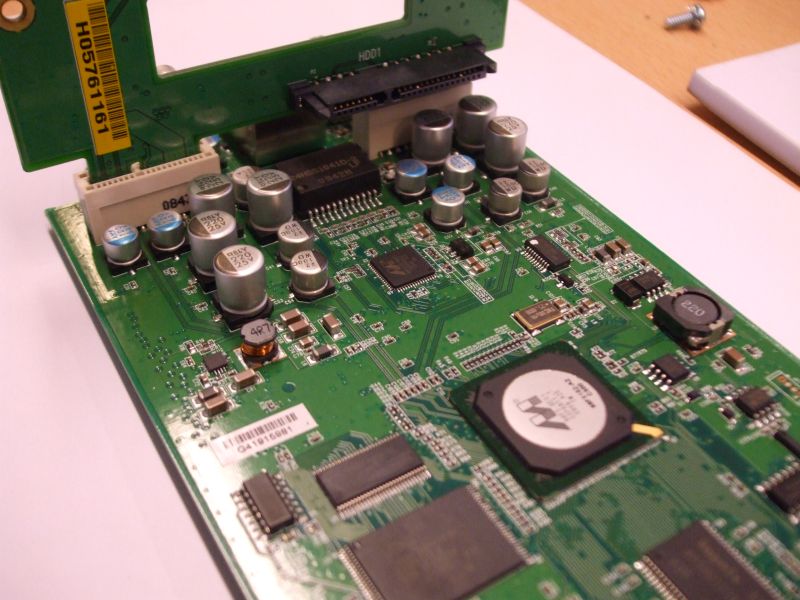
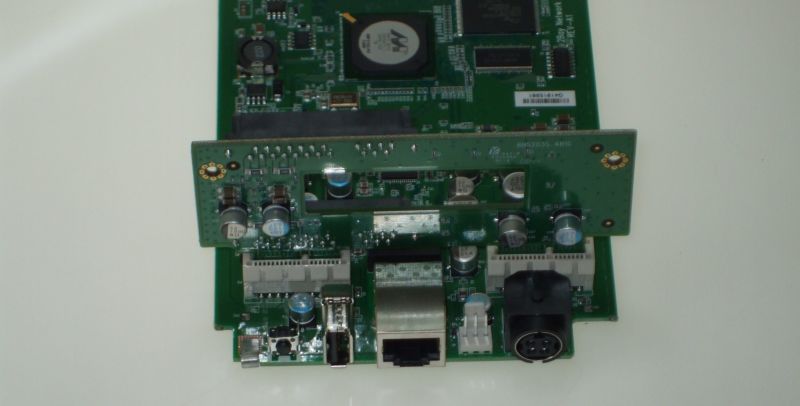
More images of the internal parts will follow ;-)
Questions answered:
functionality is similar as CH3SNAS but it has more flashmemory so we can upgrade certain services and programs.
fun_plug is working
toolchain is glibc rather than uclibc.
more detailed info: find it here