July 21, 2008
Ah .. good start of the week ..
Just released through official channel (internet upgrade) CFULLHDMA firmware version 1.09.25.06
- Updated: support changing audio track (Lang Key) for MKV files.
- Fixed: sound disappears after fast forward for playing some wmv files.
- Fixed: iMedia list restore issue after power down.
- Fixed: NFS shares cannot resume and play.
- Fixed: DVD menu issue.
- Fixed: MKV subtitle disappeare issue.
- Fixed: DVD [LANG] key issue.
- Fixed: AVI mutltiple language srt issue.
- Fixed: When a Samba device could be mounted with Public/Guest it was not possible to enter a folder of that share which was protected with a username / password, now it is possible cause a username and password is asked.
Posted in Life
8 Comments »
July 17, 2008
Yesterday withdrawn the 1.10.02, but now releasing 1.09.21.06 where the changes made in 1.10.02 are applied, but only keeping the 2.4 Kernel.
The 2.6 Kernel release needs some more time to test / debug before releasing.
Release notes: check the 1.10.02 entry
1.09.21.06 will be released officially soon, beta testers have been informed for the download
Posted in Work
1 Comment »
July 17, 2008
I saw a request (but cannot find the e-mail anymore) from someone asking if it could be possible to separate the power ON and power OFF for the CFULLHDMA
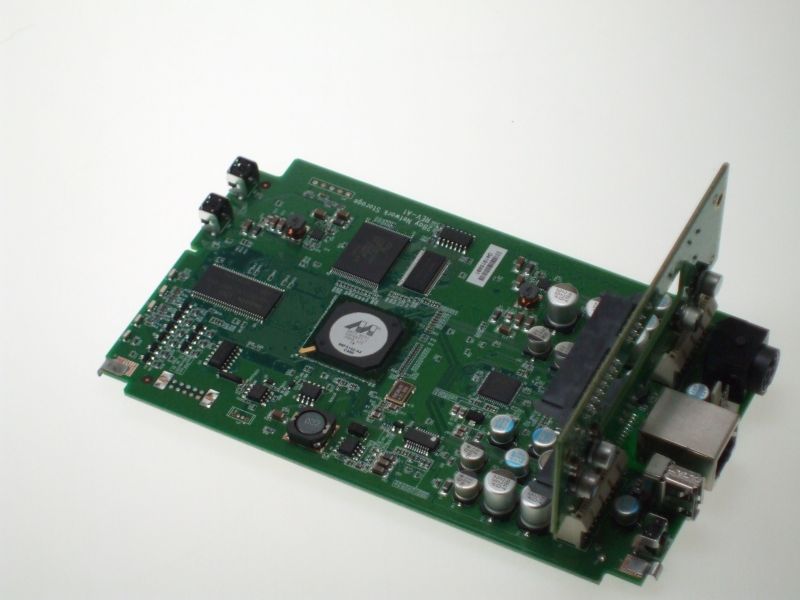
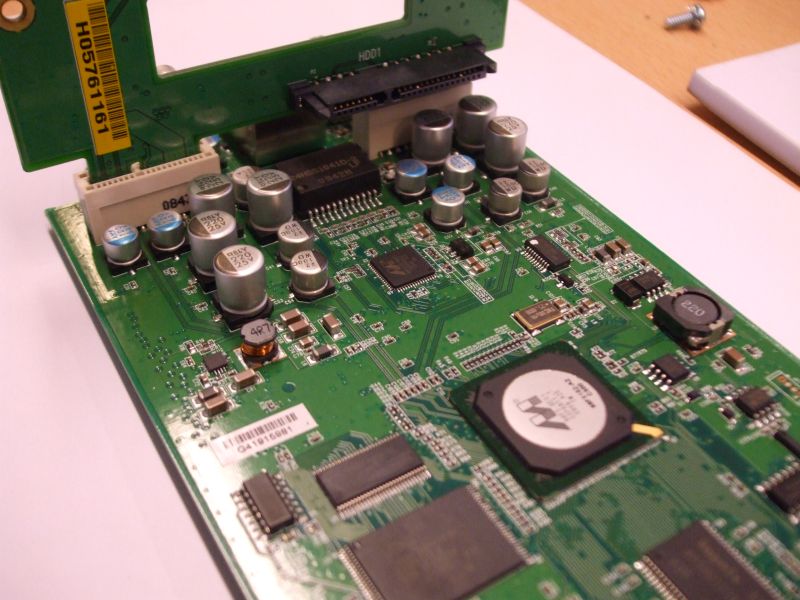
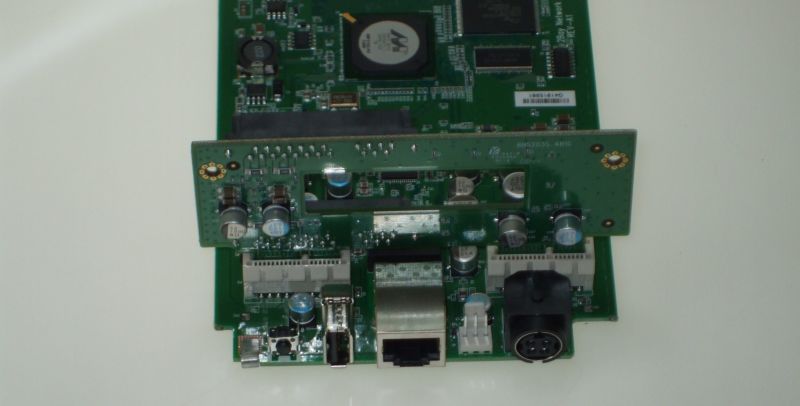
Unfortunately, the Power ON/OFF is not only controlled by Firmware. the IR codes are, next to firmware, also controlled by another micro processor (a very small IC on the PCB) so therefor it’s not supported. I’ll keep it in mind.
If you want to have the IR codes: find them here
Posted in Work
No Comments »
July 15, 2008
Due to some issues found during playback of the 1.10.02 firmware I have decided to withdraw it as beta testers would have much more issues causing a crash of the device rather than it is working stable
More info will follow when available
Posted in Work
No Comments »
July 15, 2008
Based on a new Linux kernel I am releasing a new beta firmware version with following fixes/changes:
v01.10.02
- Updated: support changing audio track (Lang Key) for MKV files.
- Updated: language translation.
- Fixed: sound disappears after fast forward for playing some wmv files.
- Changed Linux Kernel 2.4x version to 2.6.15.
- Fixed: iMedia list restore issue after power down.
- Fixed: NFS shares cannot resume and play.
- Fixed: DVD menu issue.
- Fixed: MKV subtitle disappeare issue.
- Fixed: DVD [LANG] key issue.
- Fixed: AVI mutltiple language srt issue.
Known issues:
- Some jpeg images cannot be shown correctly.
- no support for Video file auto detection (4:3 / 16:9 issue).
- Some DVD’s still do not allow switching audio or subtitle by remote.
- Some DVD’s will give a hickup during switch chapter.
- Some TS files do show wierd encoding artefacts when playing.
there are more issues not written in this list but you can find them here
The new firmware is only available for beta testers.
Posted in Work
4 Comments »
July 4, 2008
For beta testers released today:
Release notes:
- Updated MKV parser.
this means that many issues reported about MKV files should be fixed. Please test / use your files and share your info.
- Updated the Translation table.
This means that we have fixed some language issues. Some items were not translated correctly in some languages
Posted in Work
16 Comments »
June 20, 2008
Announcement:
v1.09.14
- 1. Solving the artefact issue on MKV files caused some issues at the On Screen Display: fixed.
- 2. CFULLHDMA could not work with Twonky Media Server on Music Level due to usage of M3U by Twonky. CFULLHDMA used it as PlayList, Twonky has other purpose for it, so things got messed up: fixed.
- 3. Issues with playing DVD’s and subtitles. It could not switched correctly (manually) and when selected it did not start at the beginning of the video. Fixed.
- 4. IMedia entries (like NFS) could not be edited after saving it. Fixed.
- 5. In the background errors on NFS could be created. An error causes the device to crash: fixed.
- 6. Files with for instance dvsd codec type crashed the codec engine: dvsd is not supported, crash fixed.
- 7. Certain movie files could not played properly (freezing video): fixed.
only available for beta testers (Check your mail. gmail accounts: it can be in your spam mailbox, Hotmail accounts are totally unknown if they get it .. Unreliable email host.
Posted in Generic, Work
37 Comments »
June 4, 2008
Release Candiate 2 1.04 firmware CH3SNAS
if this version is suitable enough it will be released on the Conceptronic website as 1.04 relaease.
In this firmware release:
UPnP Server instant update bug.
For freaks: the /usr/bin/inotify_upnp script was only be executed or running when the server was enabled and folder is ROOT, when enabling another folder, only prescan was executed. (Thanks Matthijs for doing some testings with me and having patience ;-) ).
Support for IFO, M2TS, TS, MKV etc. was added. Note: it’s extremely important that your media device is capable of working with UPnP AV with these extensions (especially on IFO and ISO part cause it can cause some issues when reading this data (unexpected UPnP AV feature).
A second remark is that you have to disable the UPnP server totally and reboot, so that the database will be updated removed and updated totally. Cause it’s possible that certain files are not being indexed or seen after disable / reboot / enable.
We also added a new feature in this 1.04RC2 release:
It is possible that a RAID1 enters a ‘DEGRADED’ status. Normally, after a reboot, the device will ‘RESYNC’ the HDD contents automatically. But in certain conditions the status will not change from ‘DEGRADED’ into RESYNC’ and you can only fix that when forcing the HDD to be member of the array again (fun_plug needed). The feature will only be seen when using your Harddisk in RAID1 mode.
A reboot is required for a forced resync.
Feedback is appreciated
Posted in Work
35 Comments »
May 30, 2008
To be released to beta testers later today:
Version 1.09.10
- fixed: Volume level was / is not saved after turning off the device.
- fixed: ISO could not be played anymore through SAMBA and USB HDD
- Fixed: Movies and Subtitles with lots of ‘dots’ in the filename and in the same folder was only displaying the subtitle at first file. Rest of the files could not display the subtitle file.
- fixed: Solved stream issue: stop playing after the advertisement check with: http://217.196.35.12/pls/mp3/skyradio.pls stream
v1.09.09 internal release, not released.
Note: beta testers have reported issues with some MKV files. They are still under investigation / debugging
Posted in Weblog related
5 Comments »
May 28, 2008
Simple how-to to use NFS together with the Conceptronic CFULLHDMA and Conceptronic CH3SNAS, a Full HD Mediaplayer & Network Storage device.
if NFS is abacadabra for you and you have no knowledge of Linux: do not worry, than this feature is not your thing.
NFS is mainly used for sharing data between Linux < - > Linux systems. NFS is a good way for quickly accessing data on a ‘local’ device.
So for the CFULLHDMA it means that we make the CH3SNAS part of the CFULLHDMA by ‘creating’ a folder in the file system of the CFULLHDMA with all the content available from the CH3SNAS.
First of all make sure you are using latest “Fun_Plug” on the CH3SNAS. I have used 0.5 which is working together with the 1.04a1 firmware (I used for my test). Copy the 2 files (see info at Fonz’ page) in the Volume_1 and reboot. The installation was successful if you see the FFP folder.
Download and use Putty (telnet client) and enter the shell of the CH3SNAS, for quick enabling UNFS3 User-Space NFS Server you use following command:
sh /mnt/HD_a2/ffp/start/unfsd.sh start
There is also nfsd.sh available, but probably due to some configuration settings in the firmware of the CH3SNAS it did not work, so preferred startup command is the above one.
You can edit your fun_plug by adding above command, after a reboot NFS is automatically started again. (Preferred).
Now you have to configure your NFS share in the CFULLHDMA. To be honest: this is very very simple when you do it by your webbrowser ;-) using the remote is possible if no pc or keyboard is available. Good luck ;-)
http://[ip-address]:49152/web/IMedia
Next: create a new station. Enter a Name ie. NFS CH3SNAS

and the most important part is the URL to enter. By default the EXPORTS file of the CH3SNAS is sharing all folders, so pointing to the root is all you need to do.
nfs://192.168.1.60:/mnt/HD_a2
Press OK and your NFS share is saved.
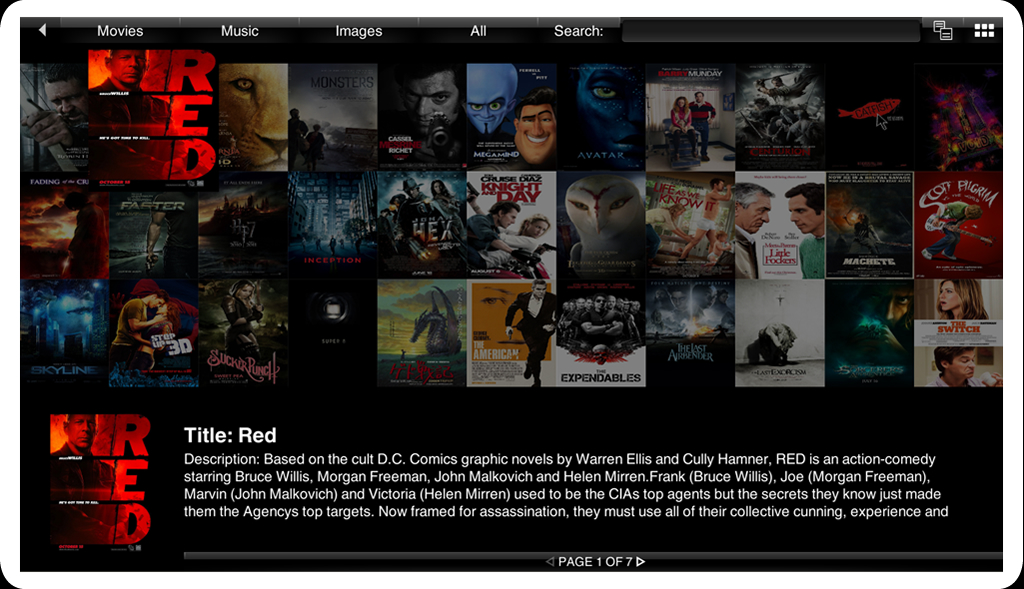
Press the IMEDIA button on your remote or select it from your main menu, Select My Media, your NFS CH3SNAS is available now, select it and you will directly enter the Root (Volume)1 of your CH3SNAS
Posted in Weblog related
4 Comments »